
 Doorway Online is a collection of free and highly accessible educational games that learners will find easy to use independently. Each activity has a range of accessibility and difficulty options. Originally developed with funding from Scottish Borders Council, it is now managed by the Doorway Accessible Software Trust, a Scottish charity.
Updated Text Type now available
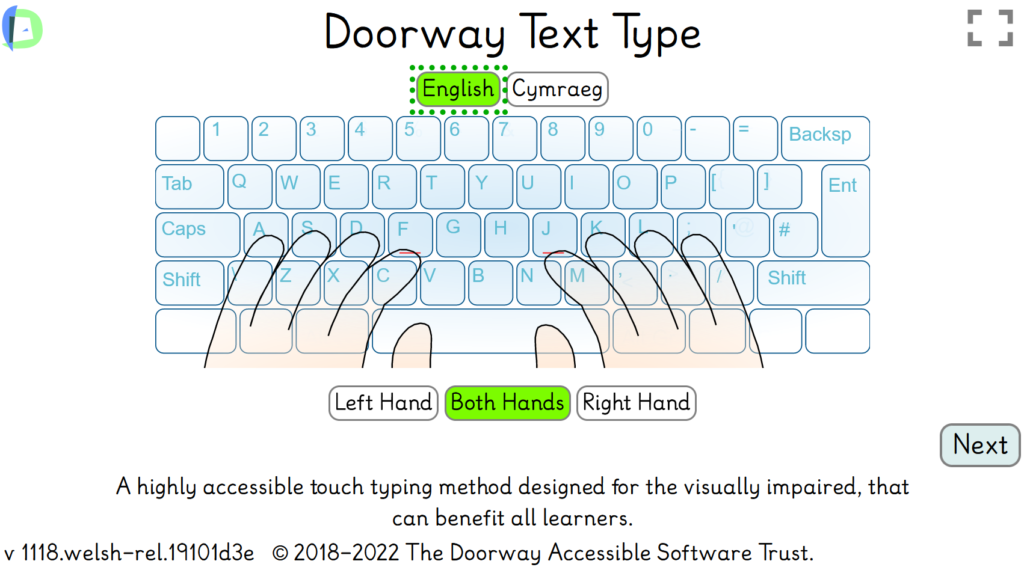
We are proud to announce Text Type, the final version of our touch typing activity. Please read these notes carefully.
Text Type is designed to work with browsers; Microsoft Edge and Chrome and should work with Firefox.
Chromebooks and Compatibility – If you are having problems with Text Type on your device, please try using an older version as it may work on your device, try Text Type Phase 2 or Text Type Phase 3. Increasingly people are wanting to use Text Type on devices such as Chromebooks. Unfortunately, Text Type was not designed for Chromebooks and speech is unlikely to work on these devices plus there may be other problems.
Guidelines for successfully learning to touch type.
- Touch Typing is predominately a motor skill. If you look at the keys you are not learning to touch type. It becomes a visuo-motor skill, You will always have to look at your hands.
- Cover your hands with a scarf or a cloth . Look at the screen for the information you need to listen to the audio cues.
- Headphones are a good idea. Do not look down.
- Typing Speed is not important at this stage, accuracy is. It’s best to type to a beat, even a very slow one. This will allow you to speed up considerably, once you have mastered the keyboard at a slow speed.
- Typing Accuracy is very important because, as with other motor skills, a learnt mistake is very hard to eradicate. For this reason we recommend thst you do not move to the next exercise until you have achieved 97% accuracy.
- Practice is best done regularly and often in short sessions.
Updates to Text Type
We have made numerous changes to Text Type to make it more accessible:
- Enhanced speech feedback echoing all keypresses and on-screen text. This makes Text Type accessible to leaners with extremely low vision, with some support.
- We have increased the size of the target text to make TextType more accessible to visually impaired learners.
- As far as possible, Text Type can be navigated by keypresses. These are the standard keys to navigate web browsers. TAB, Enter, the Up and Down Arrow Keys.
Doorway Single Handed Typing has been added to Text Type. This allows learners with use of a single hand to practise typing using exercises developed for their particular need. Select Left or Right from the title screen.
Teipio Testun Text Type is now a totally bilingual activity The Welsh Governement has paid for this development including the above improvements. Text Type/Teipio Testun is also available on their education website, The Hwb.
An important notice about the Speech Output
In previous versions of Text Type, the target letter (female voice) and any mistyped letter (male voice) were spoken by recorded human voices. Text Type now uses text to speech voices. The first time you use Text Type, you will need to choose the voices.
These voices are specific to the browser:
- In Microsoft Edge, Sonia Online and George might be a good choice
- In Chrome, the choice is between the Microsoft voices and the Google voices, female and male.
- In Firefox, you can use a favourite pair of SAPI voices such as Cerevoice Heather and Stuart which are particularly clear in differentiating the names of the letters. You will have to use Firefox, which still supports SAPI voices. Firefox is not officially supported, but we have found no issues with Text Type and Firefox.
Documentation. We have produced a guide to Text Type/Teipio Testun in English, for learners in both languages.
To download this documentation, use the link below:
Two previous versions
For the moment we are keeping two previous versions on the site, TT3 phase 2 and TT3 phase 3. These are no longer supported and may not be kept here much longer.
Scheduled maintenance 16-02-22 – 9am to 3pm
Scheduled maintenance will be happening to the Doorway website on 16-02-2022 between 9 am and 3pm. During this time the site may not be available for around 10 to 15 minutes.
We are sorry if this causes you any inconvenience.
Web Browser Compatibility
Doorway Online is designed to run on the following supported web browsers:
Microsoft Edge, Google Chrome and Mozilla Firefox (should be compatible).
If you are experiencing problems accessing our site or activities please check you are using one of the above browsers and that your browser is up-to-date.
If you are still experiencing problems please fill in an error report and we will get back to you.
Note: Internet Explorer is no longer supported by our site as it will soon be retired by Microsoft.
Doorway Text Type 3 is complete!
Important Update: There is even more up-to-date version of Text Type. Read more about this update here.
We have completed Text Type 3, the touch typing tutor for visually impaired learners that should suit anyone learning to touch type.
The new features are aimed at learners with very low vision:
- Text to Speech is available for almost all on-screen text
- TAB, Space and Enter can be used to access most functions
- Newly recorded female and male voices are used to prompt the next keypress and warn of an incorrect keypress
- Single-Handed Typing is now included in Text Type 3
We invite you to take a look at Text Type 3.
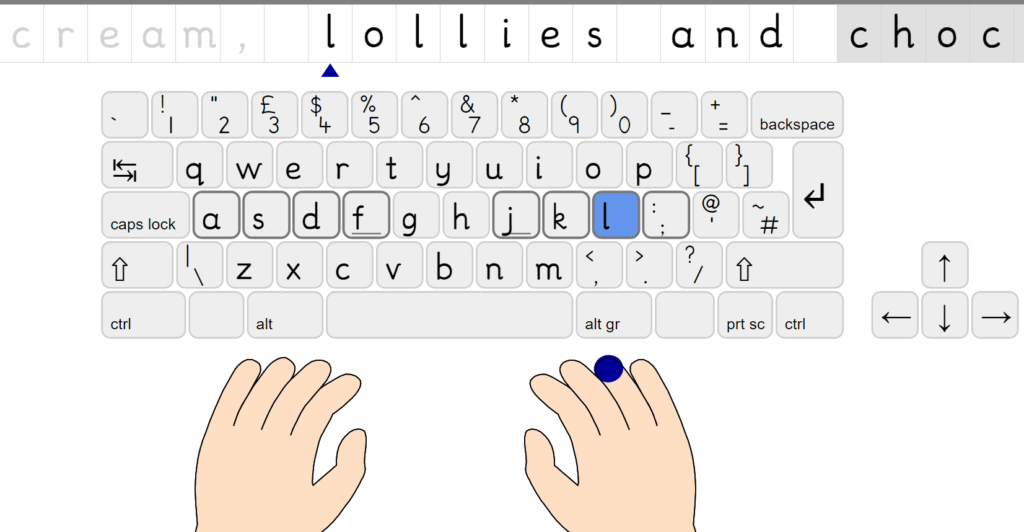
Text Type 3 phase 2, has been available on the site for over a year and will be available for three more months. It can be found here.
Doorway Activity Pack is Now Available For Free Download!
With the decline of Adobe Flash, soon some of our activities may not continue to function. The following activities have been renewed and will continue to work: Text Type, Speller 2, Letter & Number Formation, Cashing In and the First Phonics suite.
Fortunately, the downloadable version of our remaining activities should continue to run on Windows computers. All of our activities can be downloaded for free below!

Doorway Activity Pack v5
The file is zipped and will need to be extracted before use (how to extract/unzip a file). For installation on a school network, a request will need to be made to the network administrator.
Doorway Activities – Will they work on your equipment?
Doorway Activities were originally developed in Adobe Flash. This was a good way to develop such activities up to eight or ten tears or so ago. However, Apple decided not to support Flash and later tablets entered the scene. There was a solution in Puffin Browser. Our older activities still work on PCs and Android devices with Puffin Browser installed. This is no longer available on the Apple Store.
We have been able to re-code these activities to work with almost all computers and devices;
- Text Type 3
- Speller 2
- Letter & Number Formation
- Cashing In
- First Phonics suite, incorporating First Sounds; First Words; First Blends; First Digraphs; More Digraphs; First Blends
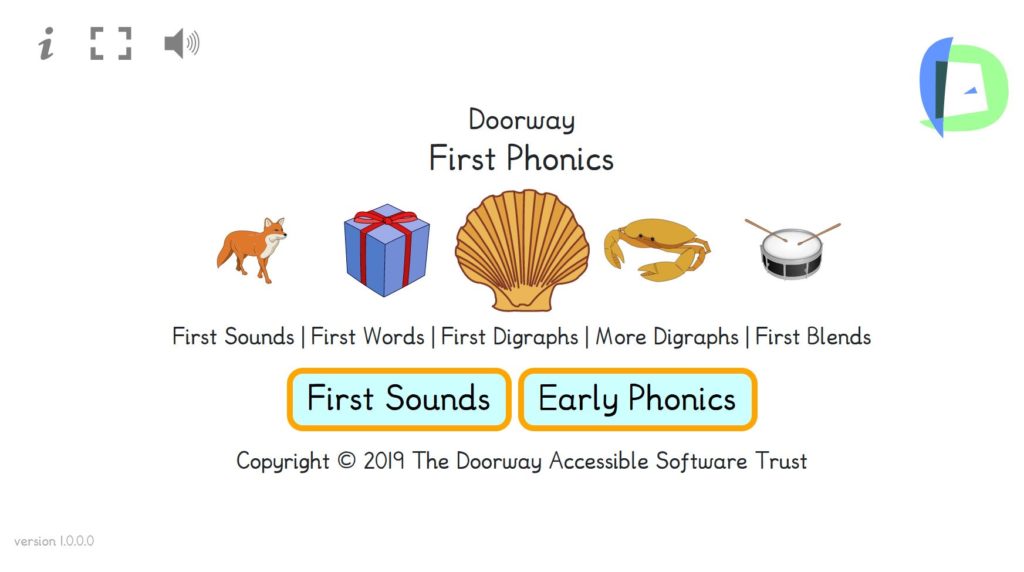
These have been developed in the modern format of html5 and JavaScript and there are no restrictions to their working on browsers on PCs and Macs. They also work on tablets although on iPads they do not enter full-screen mode as they do on Android tablets. For the remaining activities, we hope to convert more.
In the meantime, if you want to access the Flash-based activities on this site; – Do not use Chrome Browser. Firefox is more friendly to Flash-based activities. If you are using a PC you can buy the Doorway Activity USB pen-drive and install the activities directly to your PC, Pendrive or Network, or even run them directly from the USB stick. It’s available now at £ 10, below cost price from [email protected]. There is no copyright restriction any more.
We expect that you’ll be able to download these activities directly from this site before too long. Watch this space ……………..
Doorway Text Type 3 and Touch Typing
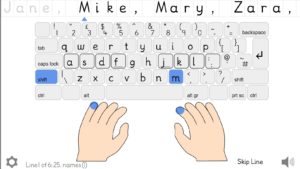
We are working on the final phase of Text Type 3, the touch typing tutor that can take learners from the home keys to mastery of the whole keyboard and typing sentences. This activity is designed to be as accessible as possible to visually impaired learners as possible. The final version should be accessible even to blind learners, after some initial guidance.
Learning to touch type.
There are some things that you need to know before supporting a learner on the road to touch typing
- Touch Typing is just that. There should be no keeking at the keyboard. Do not look at the keyboard or your hands, all the information you need is on the screen in Doorway Touch Type.
- Touch typing is a motor learning experience. This means not looking at your hands. The best way to ensure this is to cover the learner’s hands with a light cloth. If you truly learn to touch type this skill will last a lifetime like riding a bike. Even learners with mild VI can be tempted to peep.
- Motor learning is a very powerful tool and such skills will remin with you thoughout life. However you need to be careful. An incorrect motor habit is very hard to correct. So get it right from the start.
- You need to get into a comfortable position in which the hands fall naturally onto the keyboard. The surface on which the keyboard stands must not be too high. The wrists may rest on pads if you are typing for a long time.
- A Touch Typing programme is a series of lessons starting with the home keys (A S D F J K L ; ) and leading to full mastery of the keyboard. Moving on to the next exercise without sufficient mastery of the current exercise, will only lead to disappointment later on. A score of 90% or one error in every ten keypresses should be the minimum achievement before moving on. 94% or better is our recommended level of accuracy before moving on.
- Learners benefit from regular practice. Little and often is best.
- Accuracy should come before speed. Start slowly. If you can type at a regular pace, almost to a beat, it will help you achieve a high speed.
- Doorway Text Type is a series of exercises that, followed properly, can lead to a high rate of accuracy in typing and a good rate in terms of words per minute. In handwritten exams with a lot of writing involved. Writing at a rate of 20 words per minute is an arduous task. For a typist that is a low rate of entry. A rate of 40 words per minute is entirely realistic for a sixteen-year-old typist coming up to exams.
–
Our General Data Protection Policy
Doorway Online does not collect any information about users.
Text Type 3 stores the results from a user’s last session on the computer it is accessed from, but we cannot see that data.
We use Google Analytics to give us usage figures for our activities. This is anonymised data that allows us to see which countries users are accessing our site from, which activities they access and allows us to check for bandwidth issues. It is not possible for us to identify a school or an individual user. We also get anonymised data from Google ads. These adverts are usually blocked in schools.
If you communicate with us by emailing [email protected], our mail server may store your email address. However, we will not use this address to communicate with you except regarding the issue you contacted us about. Your email address will be shared with no other organisation.
Email addresses will be deleted from our mail server when we no longer require them and in any case, two years after our last contact with you. You may send an email to that address asking for your emails and email address to be deleted.
Student Record Sheets for Doorway Speller
A teacher in East Lothian has made up some very useful record sheets for students to keep track of their progress through the Speller levels. He has been generous in making them available to all.
They are in a compressed zip file which you may have to open using WinZip.
Thanks again to Darren Donnelly, PT Support For Learning, Musselburgh Grammar School for compiling these word lists.
Coming Soon – Doorway Activity Cost Free Downloads
The off-line version of Doorway activities for Windows PCs or laptops which had poor or no internet access has been the Doorway Activity Pack CD. This installs the activities onto your hard disc, server or pen-drive. Typically these were licensed by a school or LEA. We are no longer charging for this, beyond the costs of materials and copying.
We will be making the Doorway Activities freely downloadable. We must thank those authorities that licensed the Doorway Activity Pack CD when we started up. Those licence fees kept us going when finances were terribly tight. Now, it makes sense to make them freely available.
Coming Soon